
How to Choose an Industrial Display: Buyer's Guide

Table of Contents
Step 1: Choose Screen Size and Aspect Ratio
Industrial monitors range from 7" to 55". Choose based on viewing distance and information density:
- 7"–10" — machine-mounted, close viewing
- 12"–15" — standard SCADA workstation
- 17"–21" — control room, multi-parameter display
- 24"–32" — supervisor overview screens and video wall tiles
Step 2: Brightness for Your Environment
- 250–350 nits — standard indoor, ambient-lit environment
- 500–700 nits — bright factory floor with overhead lighting
- 1000+ nits — semi-outdoor, near windows, direct sunlight exposure
Step 3: Touch Technology
- Resistive touch — works with gloves; single-touch only; lower cost; suitable for simple HMI use
- Capacitive touch — multi-touch, fast response; requires bare fingers or conductive gloves
- PCAP (Projected Capacitive) — most responsive; water-rejection algorithms; best choice for new installations
Step 4: IP Rating and Mounting
For panel-mount or open-frame monitors, confirm the front-panel IP rating. IP65 is the minimum for most factory environments. Open-frame monitors (no bezel or case) are installed inside custom enclosures and can have full IP65/IP67 front seals.
Step 5: Interface
Check that the display interface (HDMI, DisplayPort, VGA, DVI, or LVDS) matches your computer's outputs. For embedded systems, LVDS or eDP connections are common. For external monitors, HDMI or DisplayPort is standard.
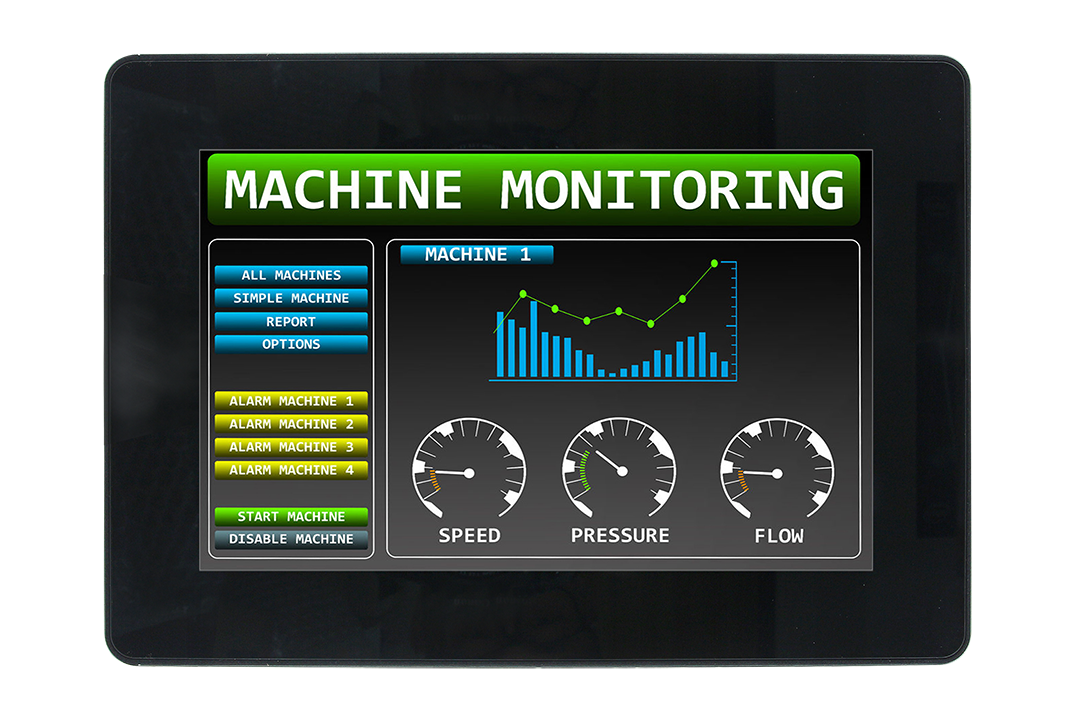
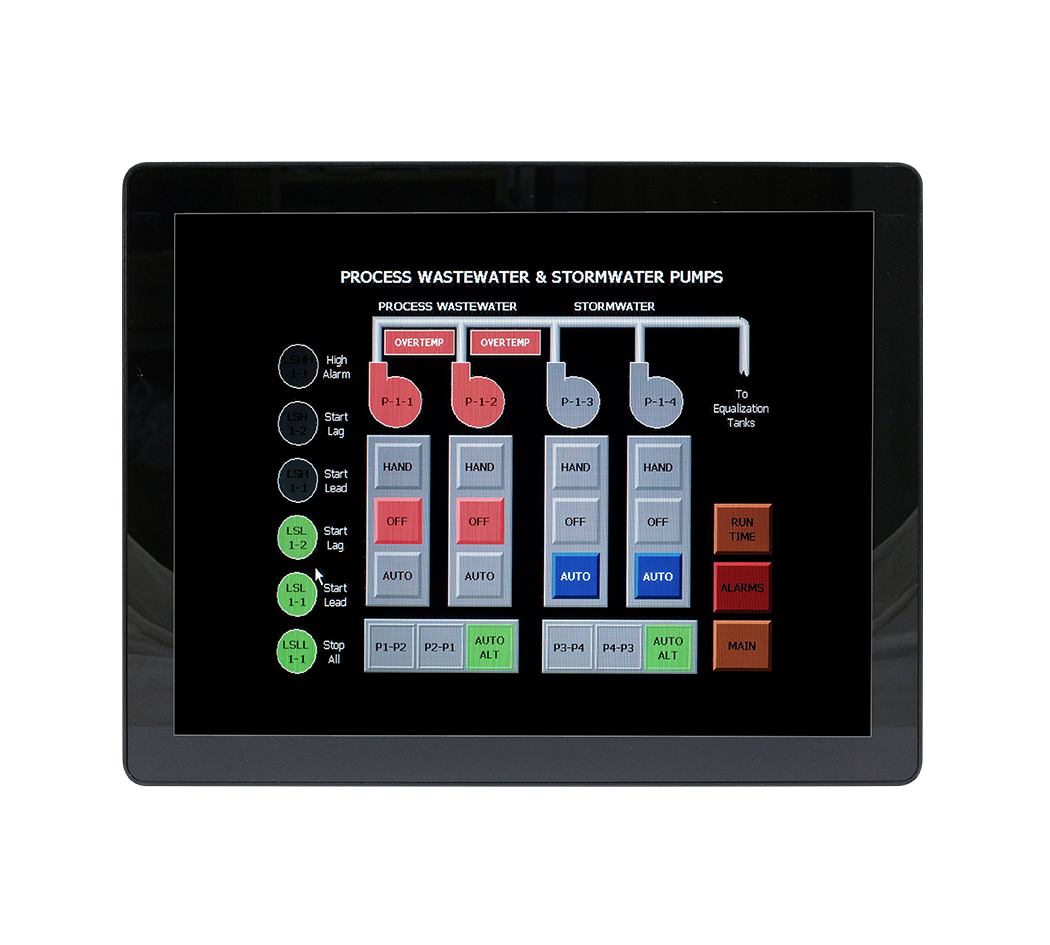
TSL Automation supplies Avalue open-frame and panel-mount industrial monitors in sizes from 7" to 21.5" — contact us to find the right display for your project.
Frequently Asked Questions
What screen size should I choose for an industrial HMI or operator station?
What is the difference between resistive and PCAP touch for industrial displays?
What brightness level do I need for industrial displays?
What IP rating should industrial displays have?
Does TSL Automation supply industrial displays in India?
TSL Automation Solutions
Head of Marketing, TSL Automation Solutions
Sanjana covers industrial automation trends, product launches, and technology insights for TSL Automation Solutions, a Mumbai-based distributor of HMI, Panel PC, and embedded computing systems serving manufacturers across India and globally.
Need help choosing the right product?
Our team in Mumbai can recommend the right HMI, Panel PC, or embedded system for your application.
Contact TSL AutomationRelated Products
Related Articles
HMI vs Panel PC: Which Is Right for Your Industrial Application?
Mar 3, 2026

How to Choose an Industrial Panel PC: 7 Factors for Manufacturing Teams
Feb 3, 2026

How to Choose an Embedded Industrial Motherboard: Form Factors, Processors, and Key Specs Explained
Jan 13, 2026